Velokit EasyTools

All-in-one Unity Editor productivity toolkit. Organize assets, track every editor action, bookmark scene objects, and copy-paste component values — all from a single integrated panel.

  • No external dependencies, editor-only
  • Unity 2021.3+ compatible
  • Persistent data across sessions
  • Full Undo support on all operations
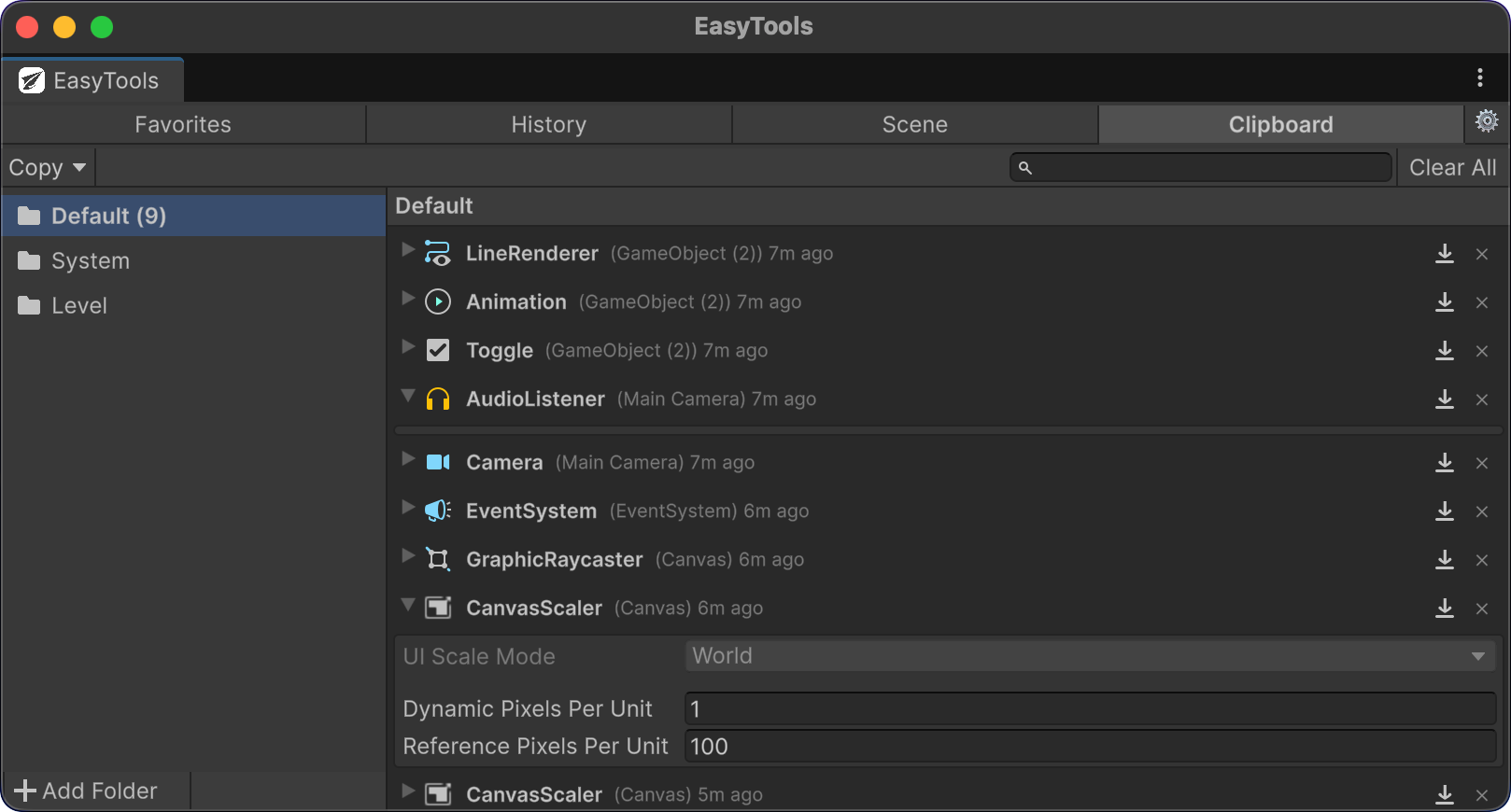
Favorites History Scene Bookmarks Clipboard
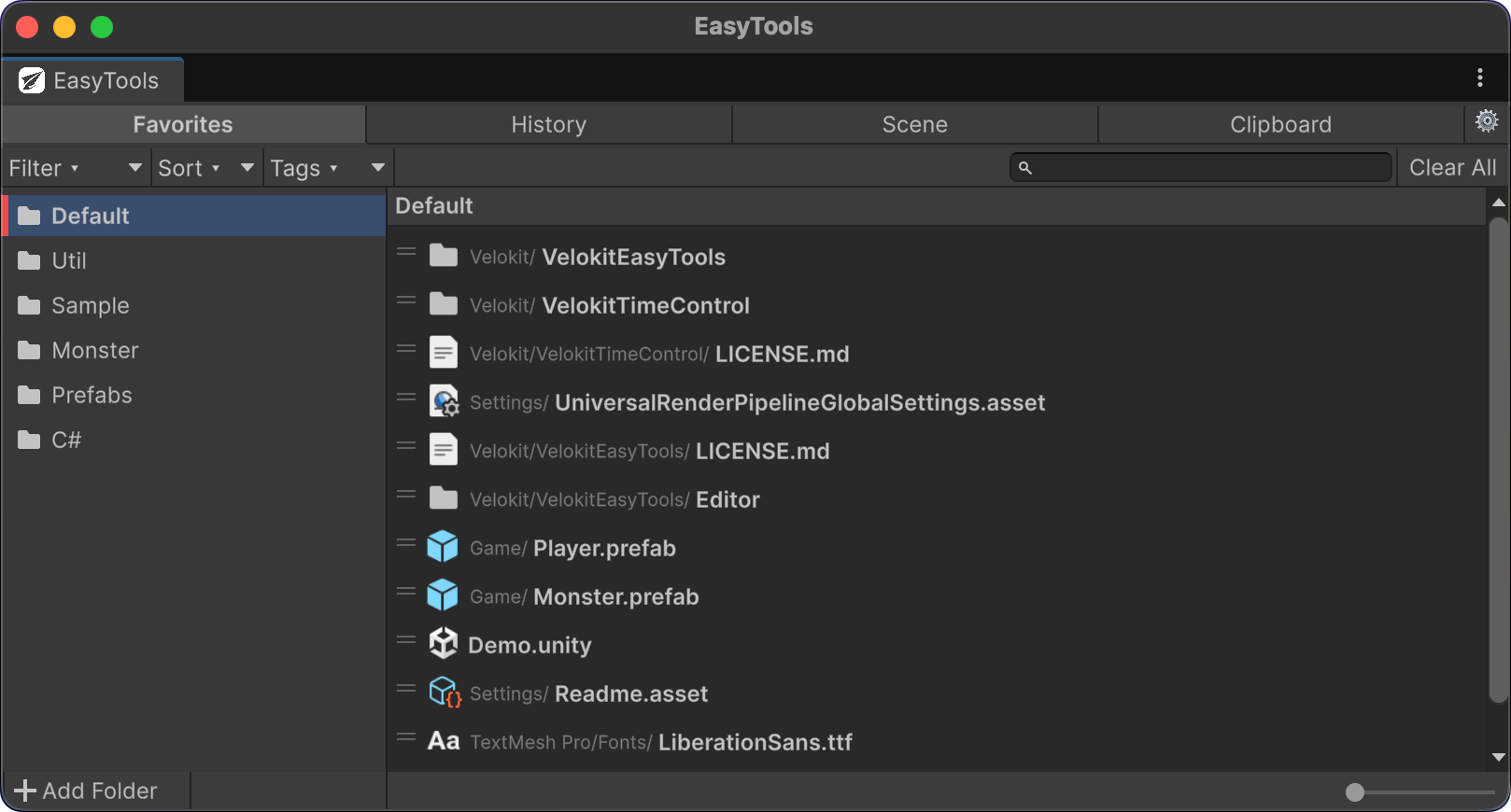
EasyTools Favorites Panel

Four Tools, One Panel

Built for real workflows. Every feature exists because we needed it ourselves.

Favorites

Bookmark your most-used assets into organized folders with color labels and tags.

  • Drag & drop from Project
  • List & Grid view modes
  • 6 sort modes + filters
  • Notes & custom tags
  • Color-coded folders

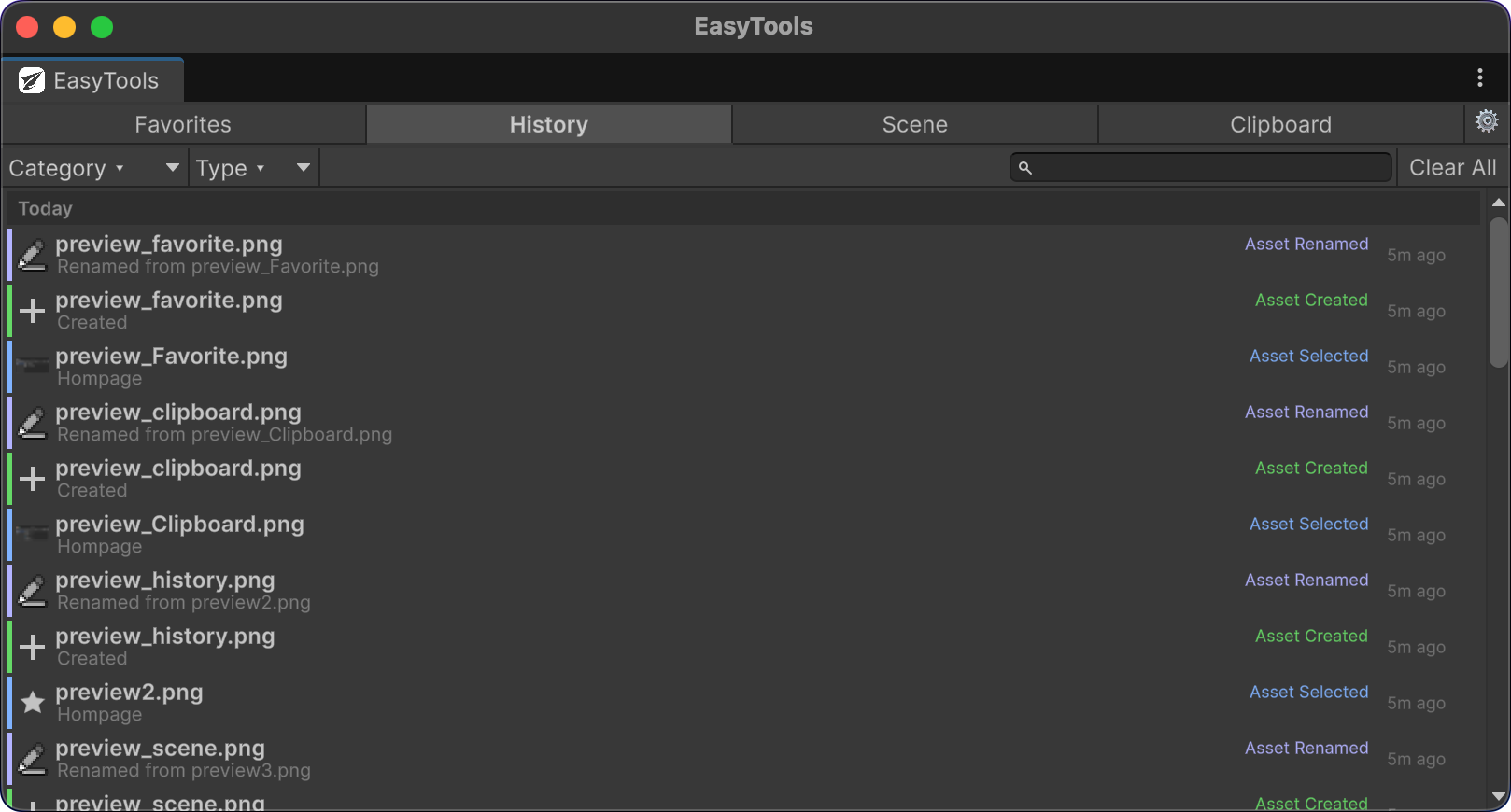
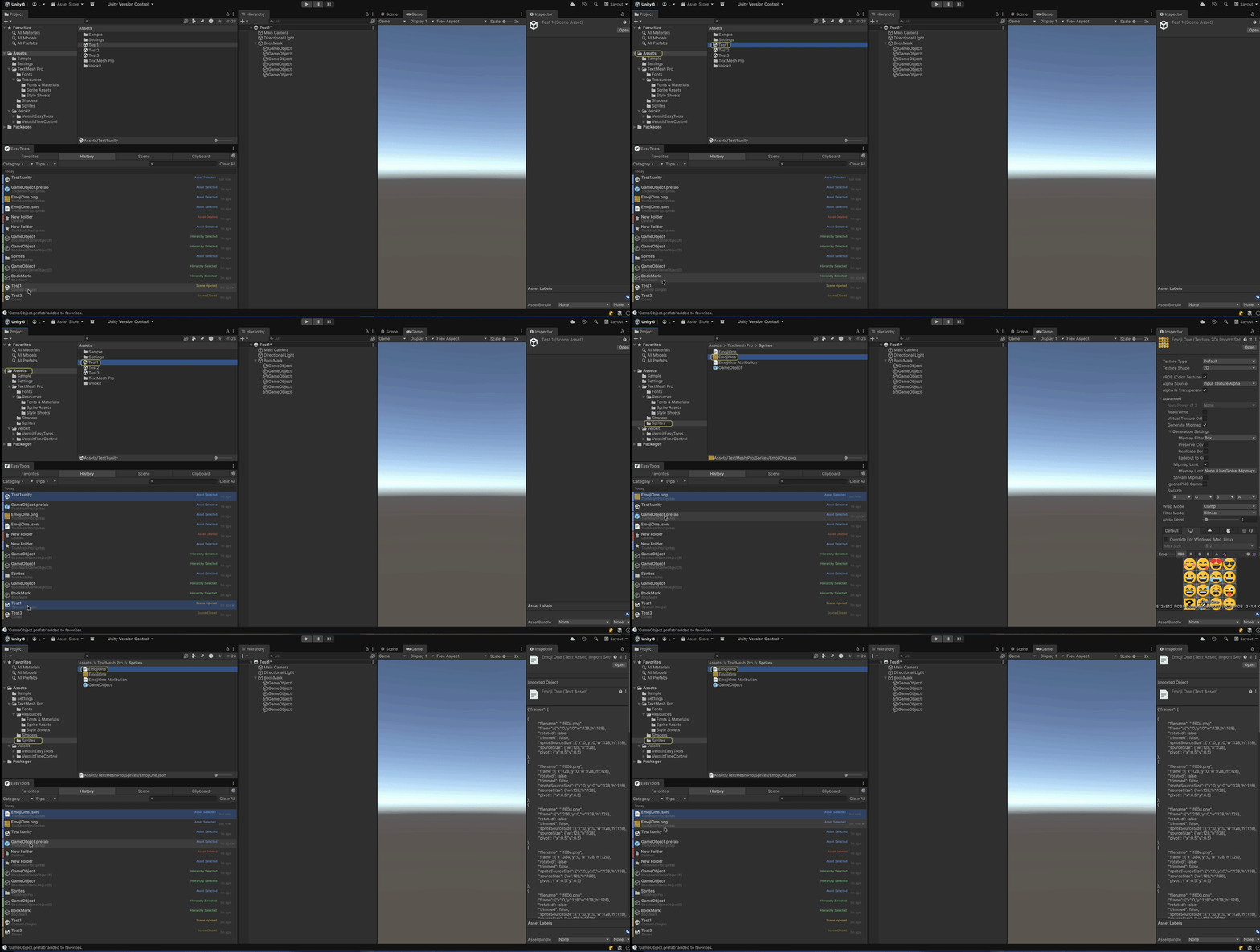
History

Automatic tracking of 15 editor action types with visual categorization.

  • Asset & Hierarchy selection
  • Scene open/close/save
  • Play Mode & Prefab Mode
  • Asset CRUD operations
  • Color-coded action bars

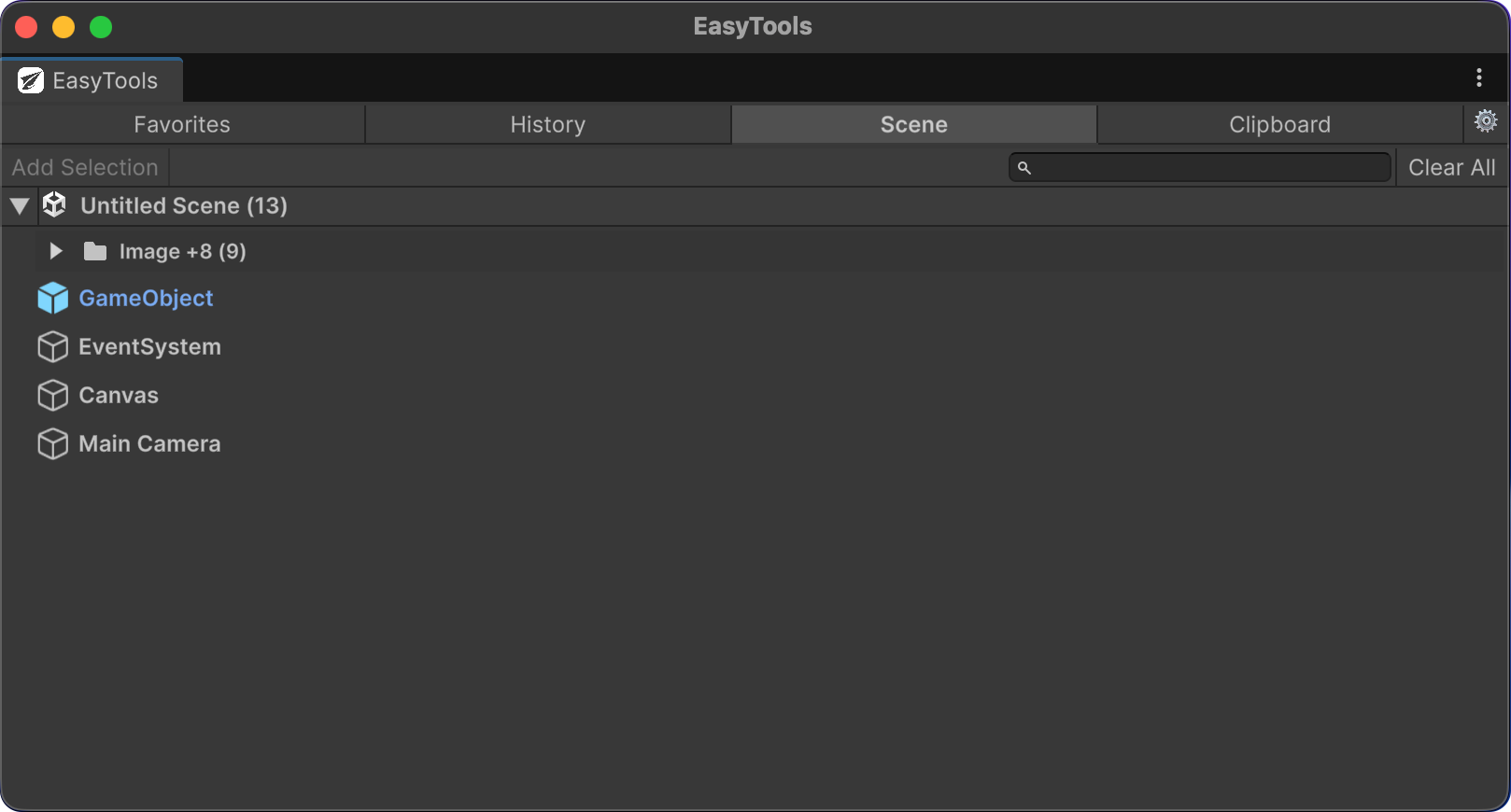
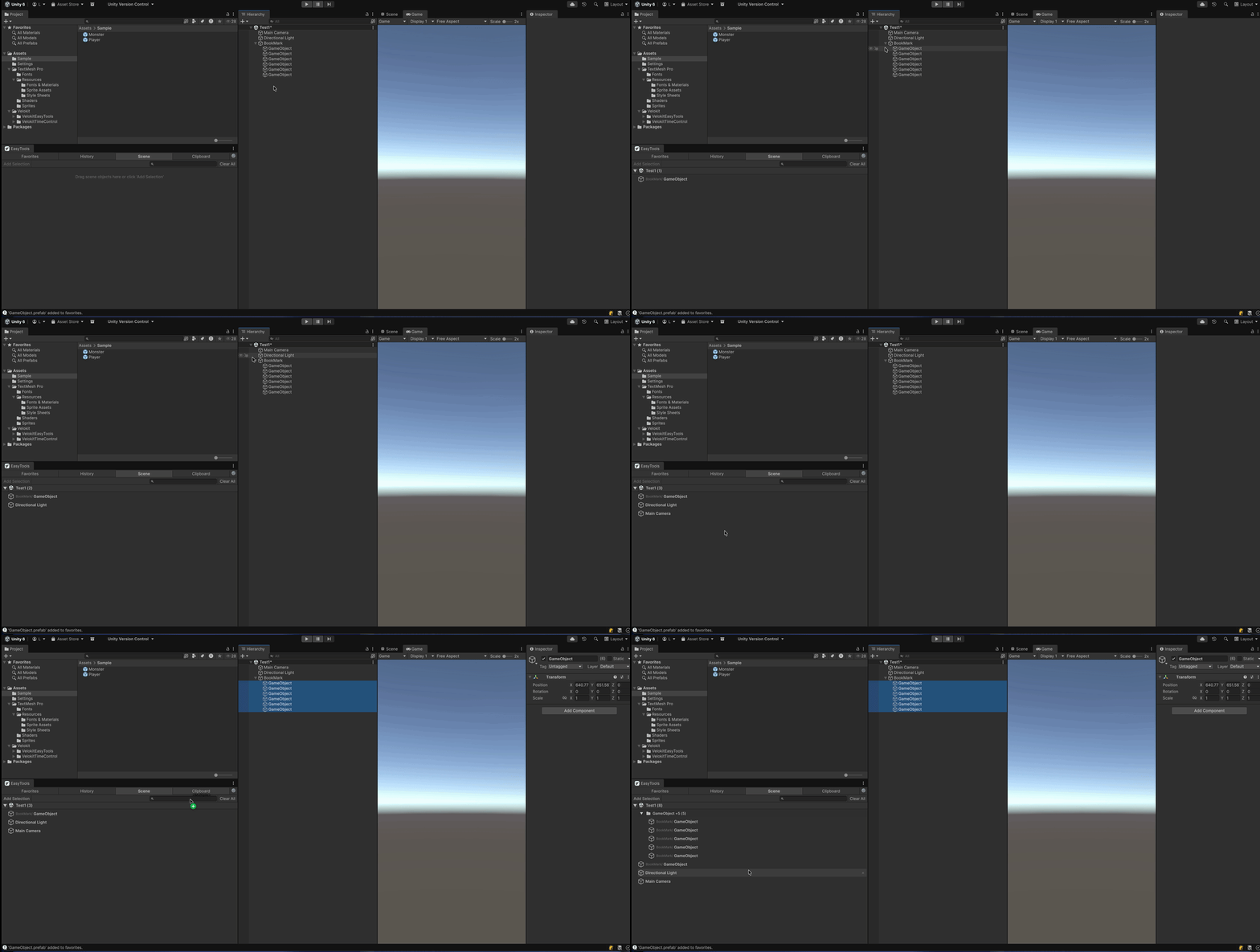
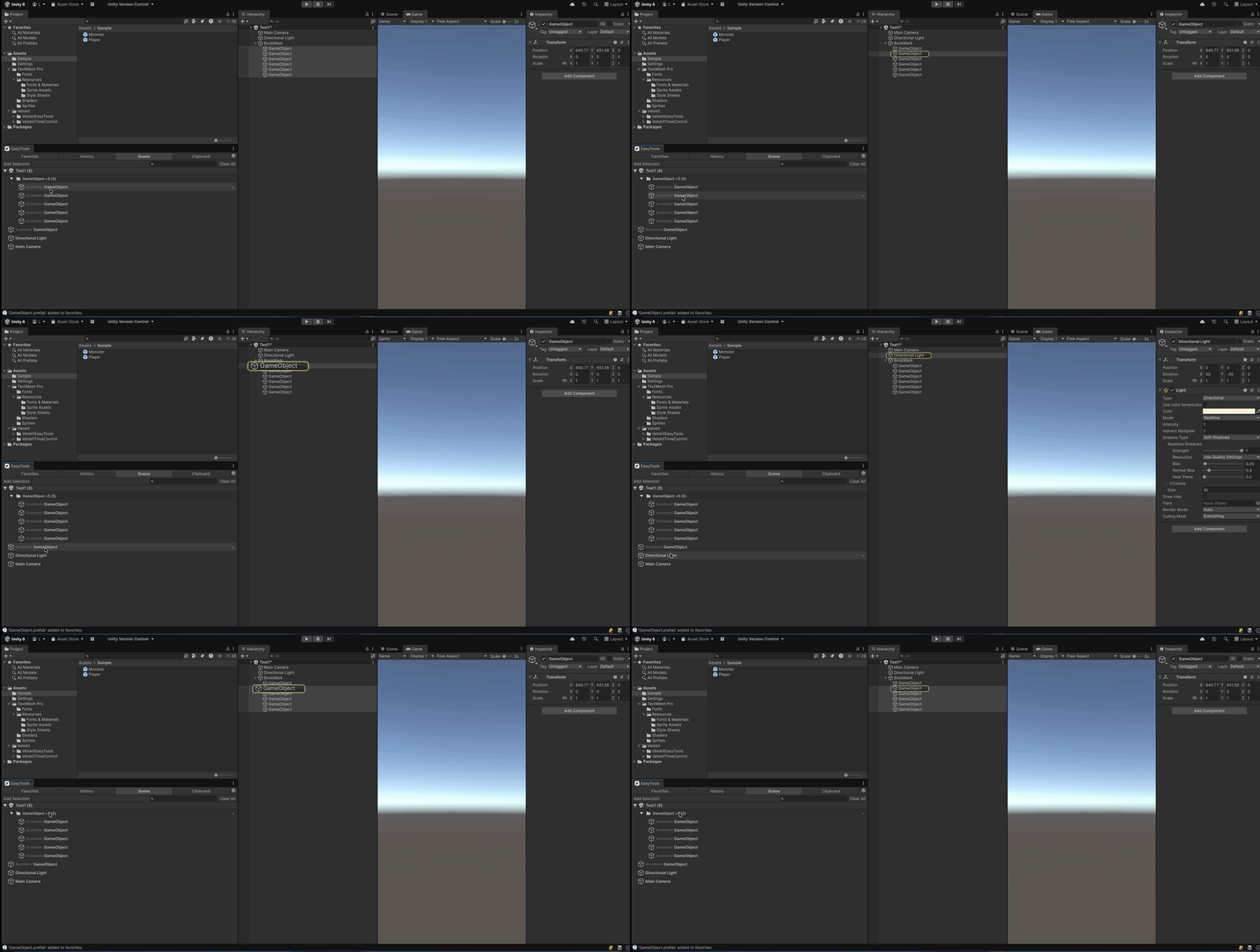
Scene Bookmarks

Pin specific GameObjects in your scene for instant navigation and access.

  • One-click selection & framing
  • Auto-grouping by scene
  • Prefab instance detection
  • Cross-scene navigation
  • Hierarchy path tracking

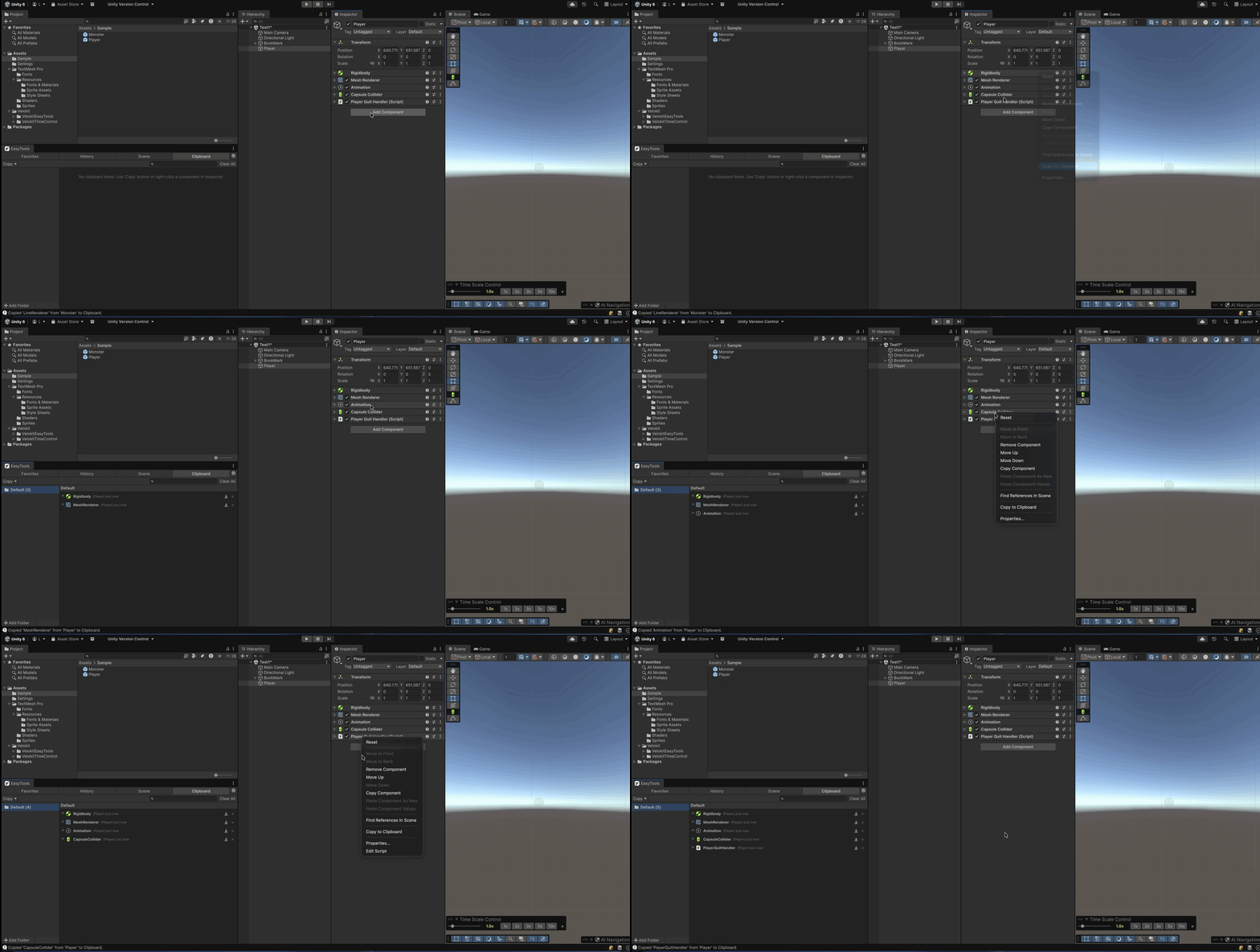
Clipboard

Copy, store, and paste component values between GameObjects with full preview.

  • Inspector preview & editing
  • JSON serialization
  • Paste values only mode
  • Full Undo support
  • Organized folders

See It in Action

Clean, intuitive UI that integrates seamlessly with the Unity Editor.

Favorites Panel
Favorites Two-column layout with color-coded folders, tags, and notes
History Panel
History Color-coded action bars with date grouping and category filters
Scene Bookmarks Panel
Scene Bookmarks Pin GameObjects for instant navigation with auto scene grouping
Clipboard Panel
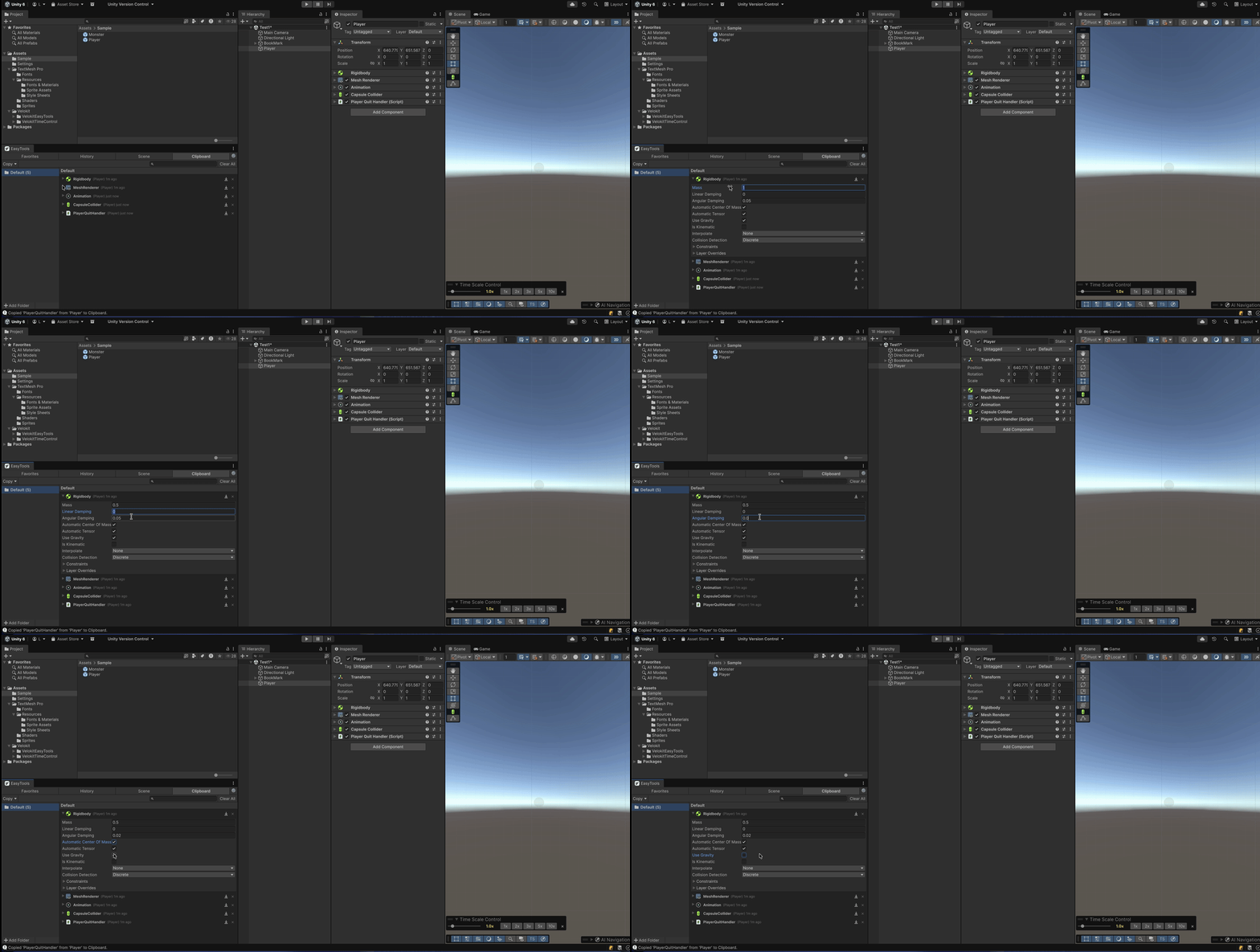
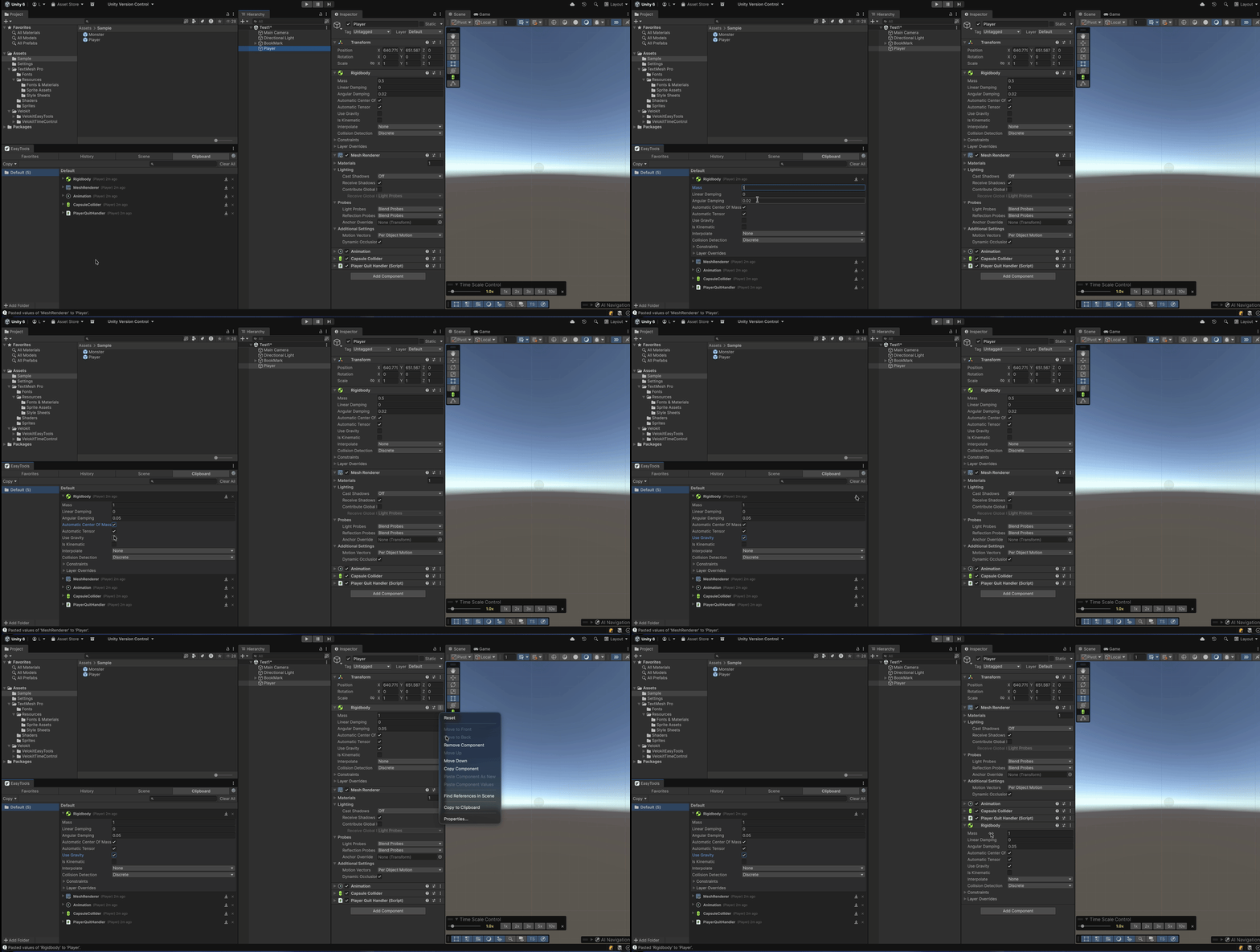
Clipboard Copy and paste component values with full Inspector preview

See Every Feature in Action

Each feature demonstrated with real Unity workflows.

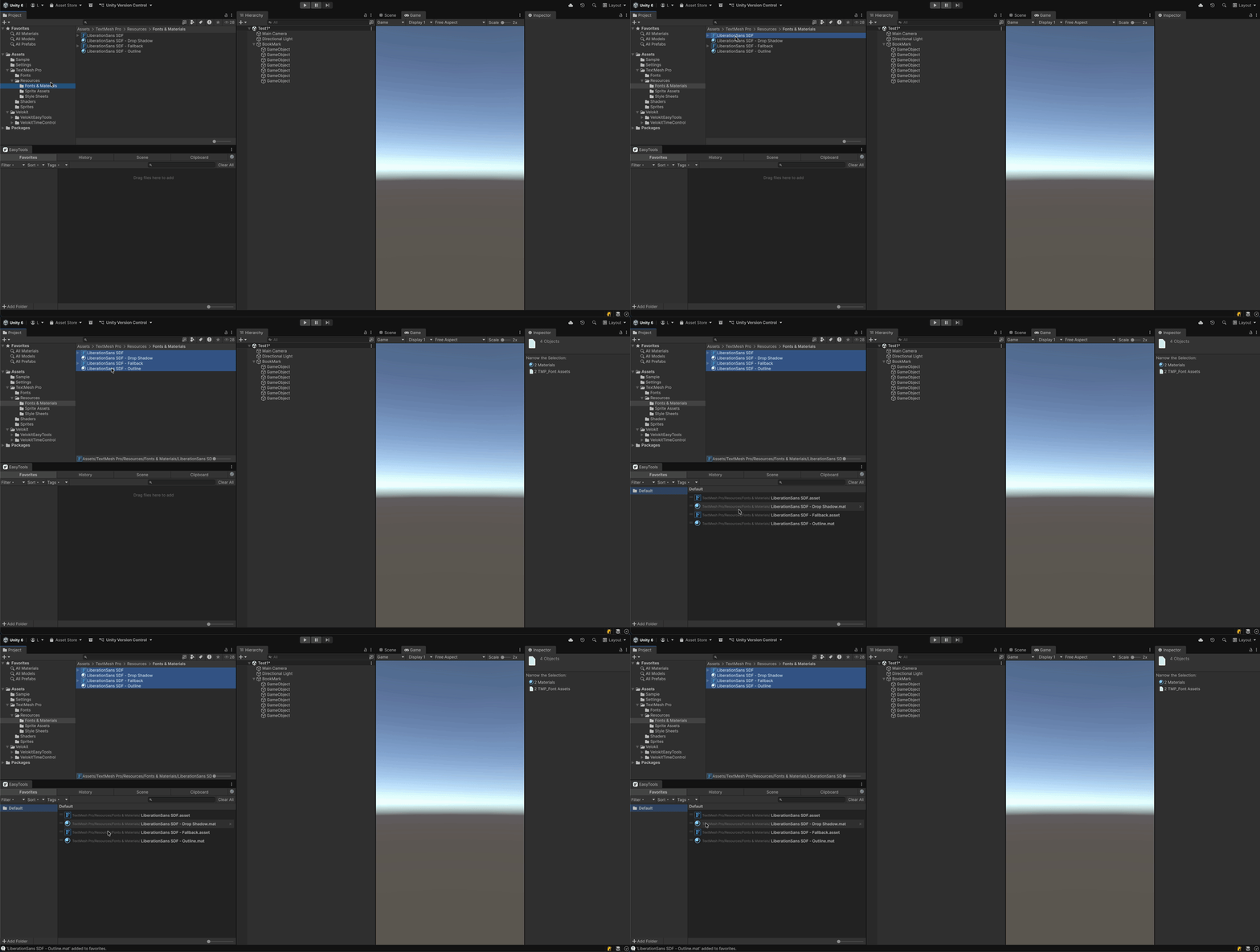
Drag and Drop assets

Drag & Drop

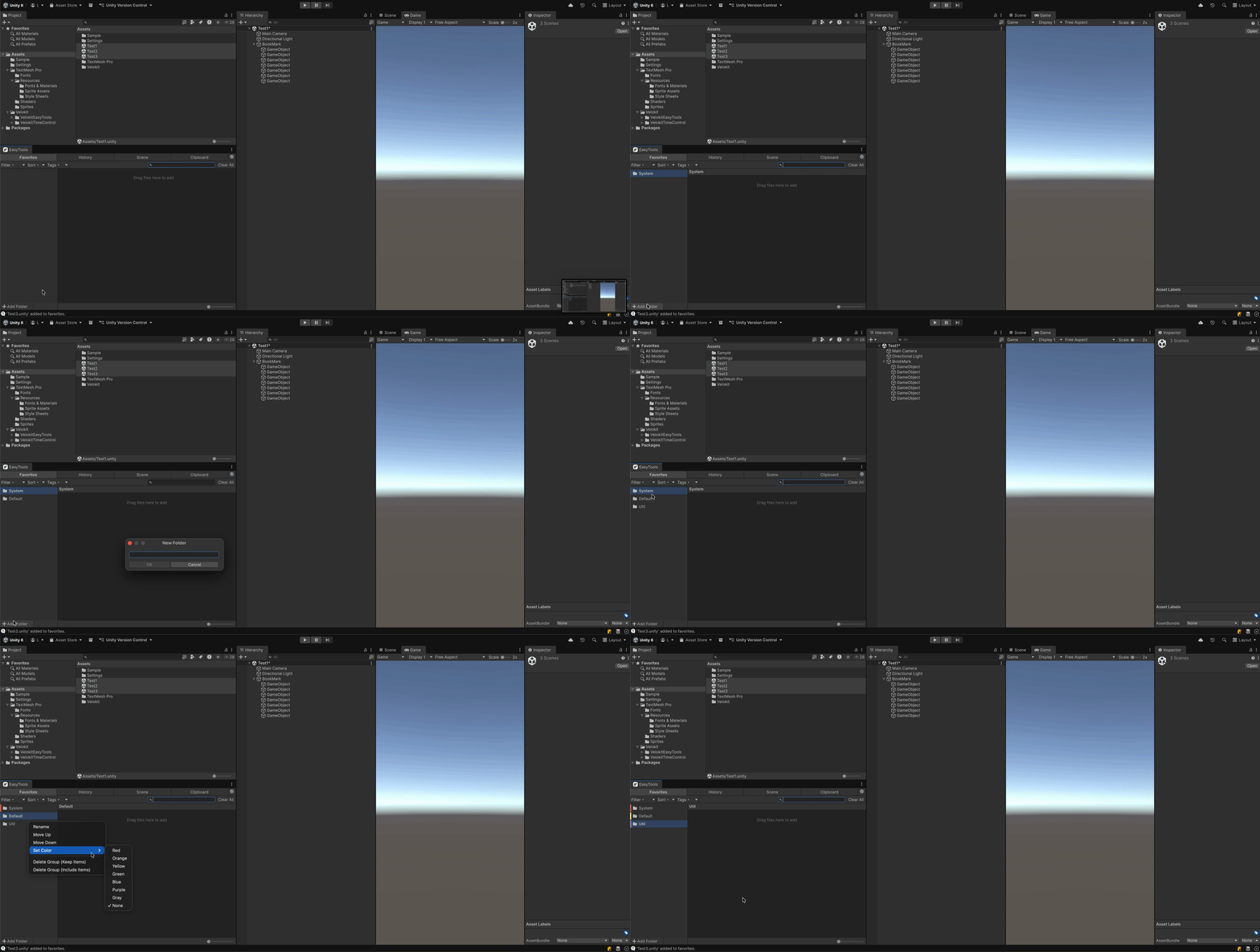
Drag assets directly from the Project window into organized folders

Color-coded folders

Color-Coded Folders

Create folders with color labels to keep your assets organized

List and grid view

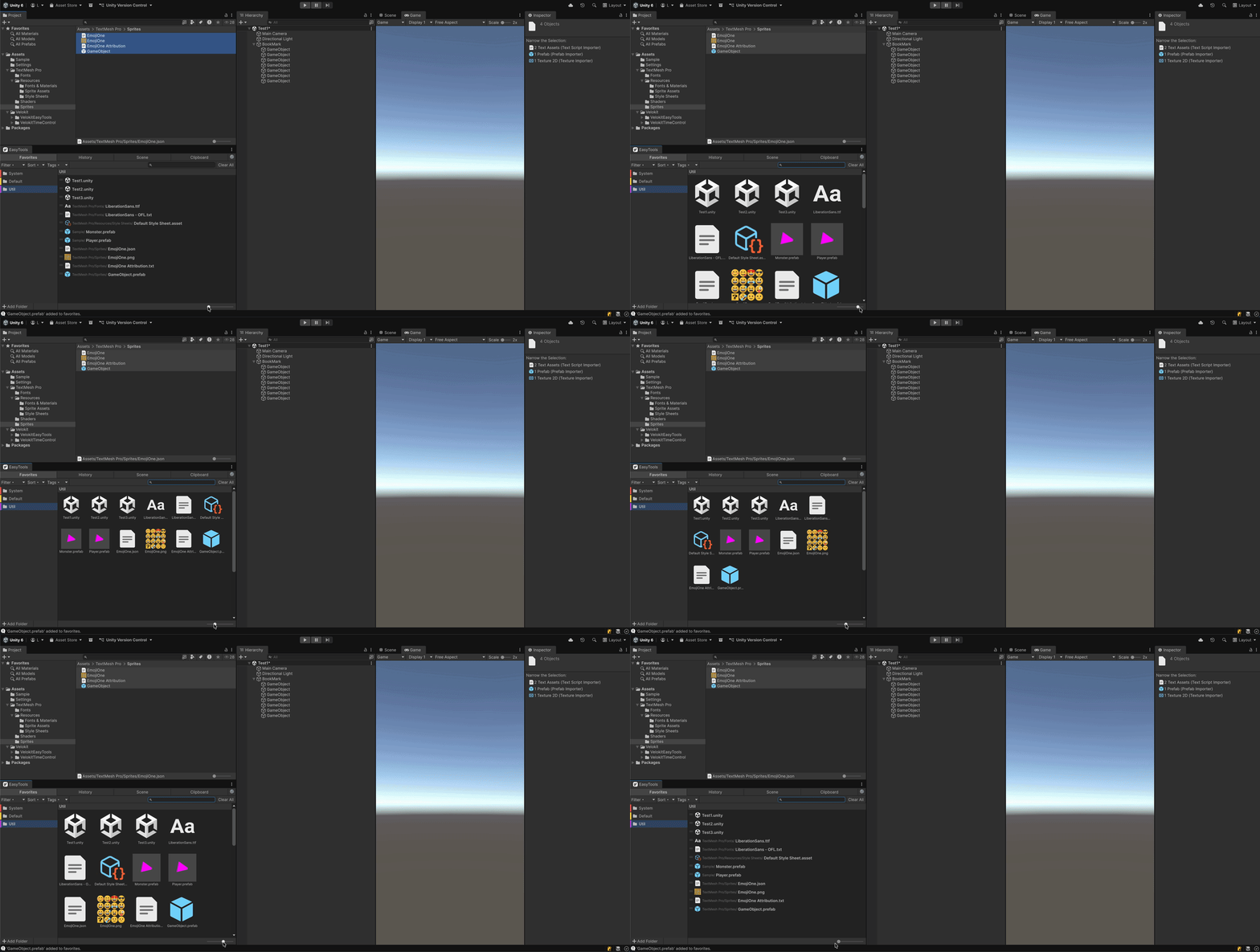
List & Grid View

Switch between list and grid view with the scale slider

Auto action tracking

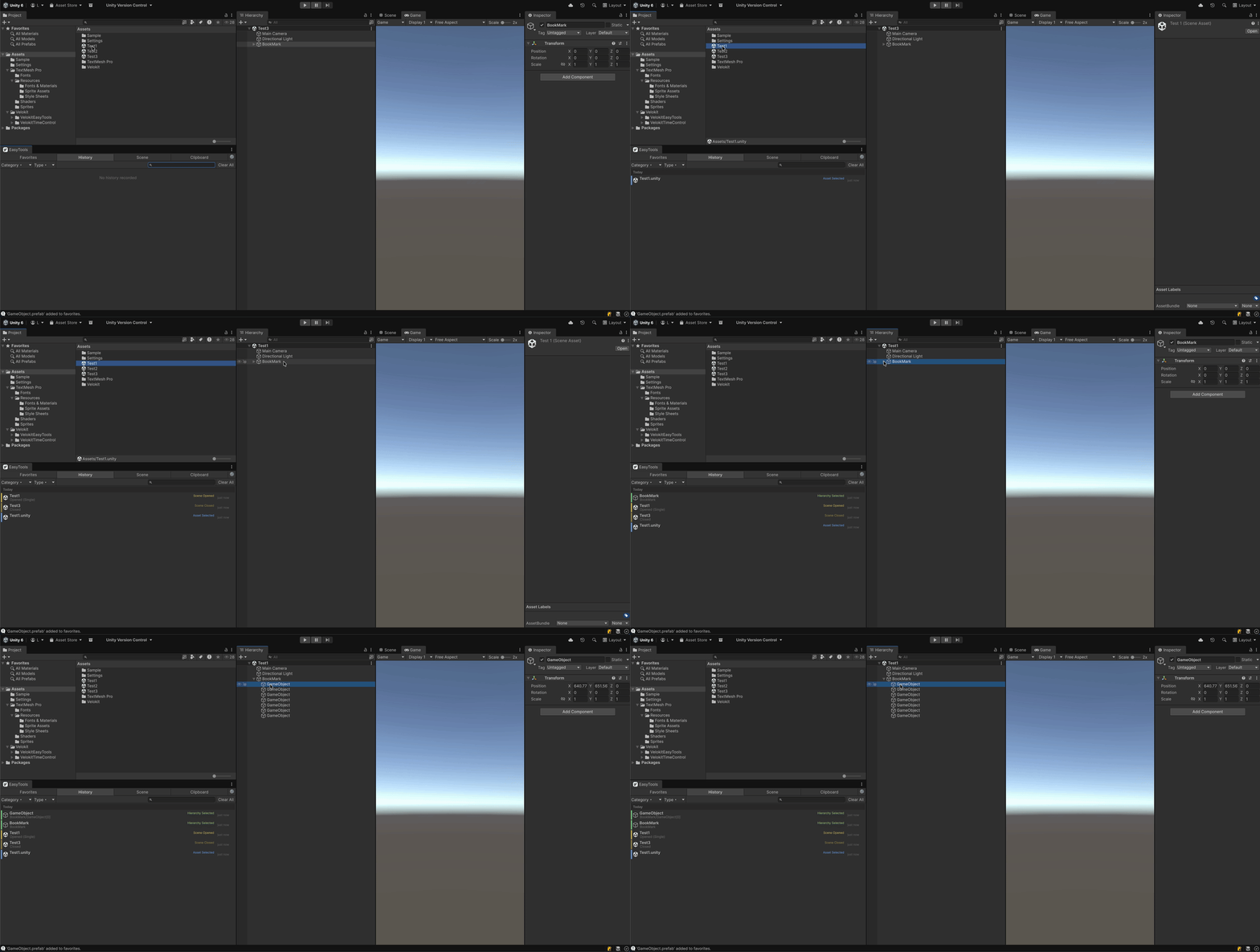
Auto Action Tracking

Every editor action is automatically recorded with color-coded bars

Category filters

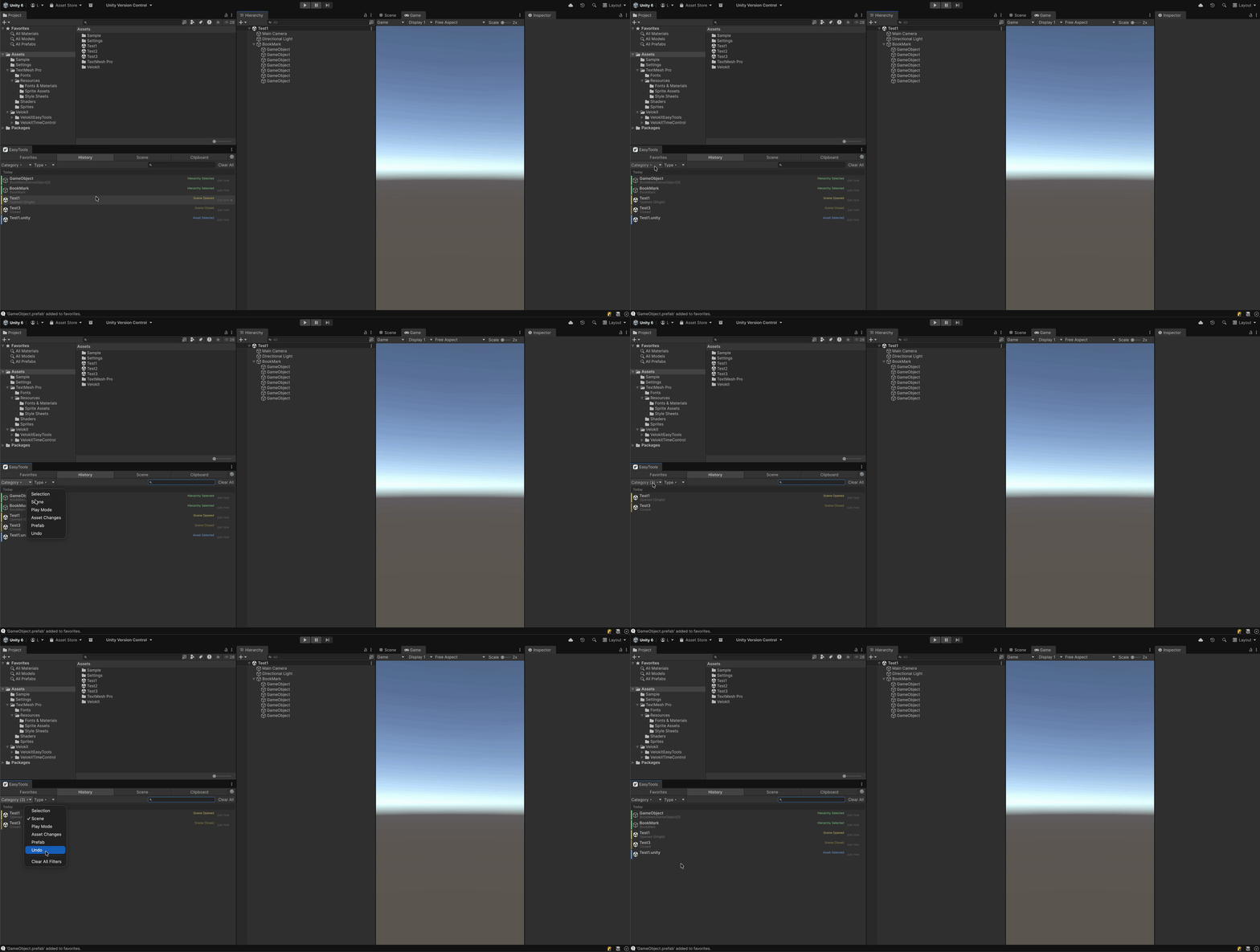
Category Filters

Filter by action type — selections, scenes, assets, and more

Quick navigation

Quick Navigation

Click any history item to instantly locate it in the project

Bookmark scene objects

Bookmark Scene Objects

Drag GameObjects from Hierarchy to bookmark them instantly

One-click focus

One-Click Focus

Click a bookmark to select and frame the object in Scene View

Copy components

Copy Components

Copy any component with one click from the Inspector

Live preview and edit

Live Preview & Edit

Expand to preview and edit component values before pasting

Paste to any object

Paste to Any Object

Paste component values to any selected GameObject with full Undo

4
Productivity Tabs
15
Tracked Action Types
0
External Dependencies
6
Sort Modes

Ready to Speed Up
Your Unity Workflow?

Get Velokit EasyTools today and transform the way you work in the Unity Editor.

Unity Asset Store